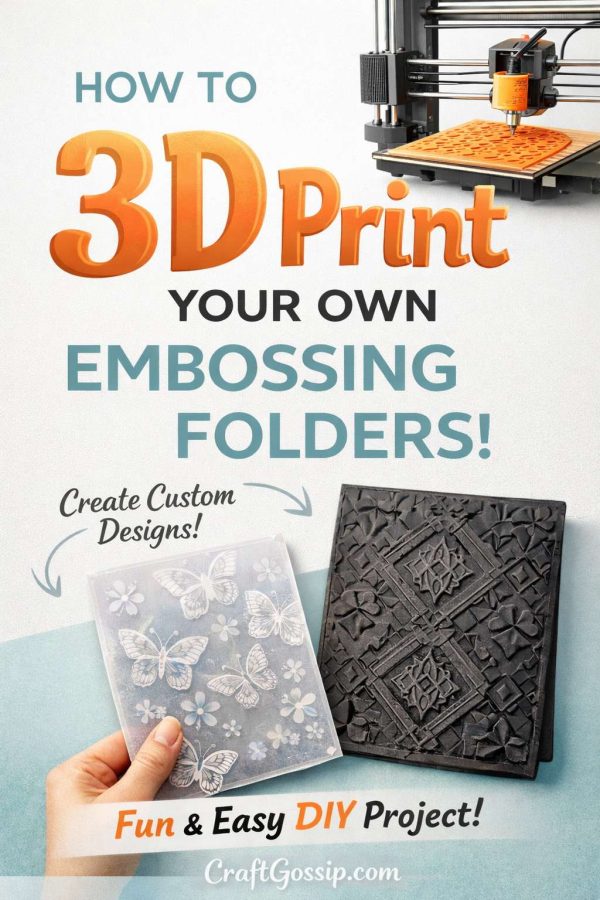
If you’d like to take your card making to the ultimate DIY level, this project is going to blow your mind. Instead of just making beautiful handmade cards, this tutorial shows you how to create the actual tools used to make them—yes, your very own custom embossing folders.
This clever and forward-thinking idea comes from designer daveda over on Instructables, where creativity meets technology in the best possible way. Using a 3D printer, you can design and print embossing folders with custom patterns, textures, and motifs that simply don’t exist in store-bought versions. Think personalized designs, perfectly scaled patterns, and the freedom to experiment without being limited to what’s on the craft store shelf.
Whether you’re a seasoned paper crafter looking to push boundaries, a tech-curious maker who loves combining digital tools with hands-on creativity, or someone who just loves trying the next big thing in crafting, this tutorial opens up a whole new world of possibilities. Custom embossing folders can elevate your handmade cards, scrapbook layouts, mixed media projects, and even DIY stationery—making your work truly one of a kind.
If you’ve ever wished you could emboss exactly the design you imagined, this project might be your next favorite crafty obsession.
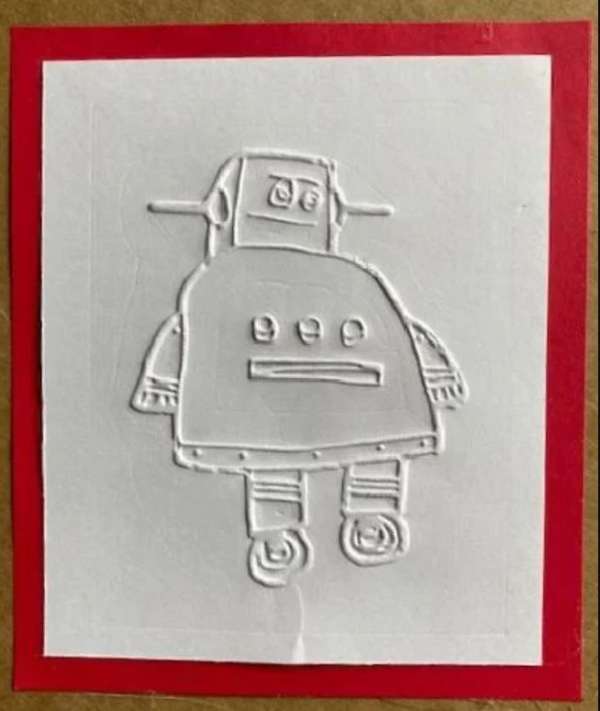
My husband has a 3D printer so I think this might be something I try myself very soon.
Click here for complete directions.
-Heather
Tips & Tricks for 3D Printing Custom Embossing Folders
Creating your own embossing folders is incredibly rewarding, but a few smart tweaks can make the difference between “meh” results and crisp, professional-looking impressions. If you’re following the custom embossing folder tutorial over on Instructables, keep these helpful tips in mind before you hit “print.”
1. Keep Designs Simple for Best Results
Fine details can look amazing on screen but may not translate well when embossed. Bold shapes, clean lines, and shallow textures tend to emboss more evenly—especially if you’re using standard cardstock instead of specialty papers.
2. Mind the Depth of Your Design
Embossing works best with subtle depth, not dramatic height differences. Too much depth can tear paper or result in uneven pressure. Aim for a gentle raise that enhances texture without stressing the cardstock.
3. Choose the Right Filament
PLA is a popular and beginner-friendly option, but make sure your print is smooth and free of stringing. Rough surfaces or printing artifacts will show up in your embossed paper. A slightly slower print speed can dramatically improve results.
4. Test Before Printing the Full Folder
Always print a small test piece of your design first. This lets you check how the texture embosses, whether details are too deep or too shallow, and if adjustments are needed before committing to a full-sized folder.
5. Sand Lightly for a Smoother Finish
If your finished print has visible layer lines, a light sanding can help. Even a quick pass with fine-grit sandpaper can improve the final embossed look and reduce unwanted texture.
6. Use a Shim for Better Pressure
Depending on your embossing machine and paper thickness, you may need a shim. A piece of cardstock or thin cardboard can help ensure even pressure and a cleaner impression without forcing the rollers.
7. Start with Heavier Cardstock
Thin paper can tear or wrinkle, especially with custom folders. Begin with heavier cardstock while testing, then experiment with lighter papers once you’ve perfected your design and pressure settings.
8. Label Your Custom Folders
Once you start making your own embossing folders, it’s easy to forget which design is which. Add a small raised label, initials, or symbol to the edge so you can identify them quickly in your craft stash.